

View paths and overlay maps with Google Earth
A 'Google Earth' mode is available to visualize the Argonautica maps.
You need to:
- you need to have Google Earth (http://earth.google.com/) installed on your computer
- choose a beacon (buoy or animal), and a date, and click on the 'display the maps' button
- on the top of the maps page, click on 'View the maps in Google Earth'
- you will be opening a .kmz file. If not pre-selected, choose 'Google Earth' as software to open the file
- Then you will see a globe, with the beacon's path (in grey the previous weeks, in yellow, the latest week of locations with respect to the chosen date).
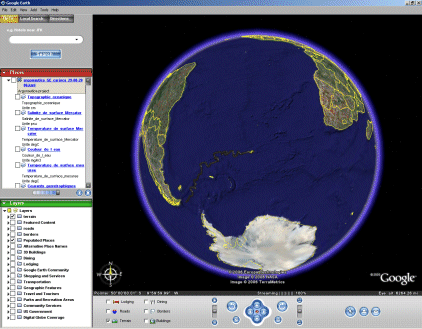
- Left, you have the list of the different available maps. Click on the box in front of the map you wish to see underneath the trajectory.
Some of the maps (currents, winds) can be overlayed on the other maps and on the trajectory; the other ones are hiding the previous maps (in descending order: the 2nd map is hiding the 1st, the 3rd is hiding both the 1st and the 2nd)
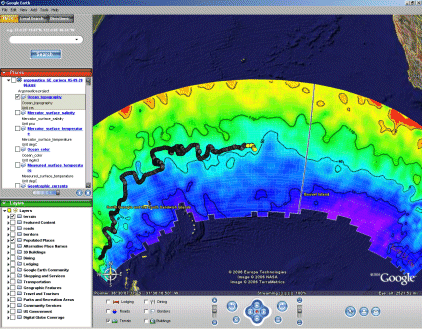
- Clicking on the title of each map gives you a small note with informations about the map, and a link towards the color scale ('palette display'); clicking on a beacon location gives you the number, name of the beacon, and the date of the location.
)
)
The Google Earth interface has been designed to superimpose three types of information:
- "colour" maps
- with "contour/vector" maps
- with points showing the beacons' movements ("trajectory" maps)
To exploit these features open the ".kmz" file proposed for each beacon and each date (with the maps). Click on the map(s) you want to view. The available trajectories are displayed as soon as the file is opened.
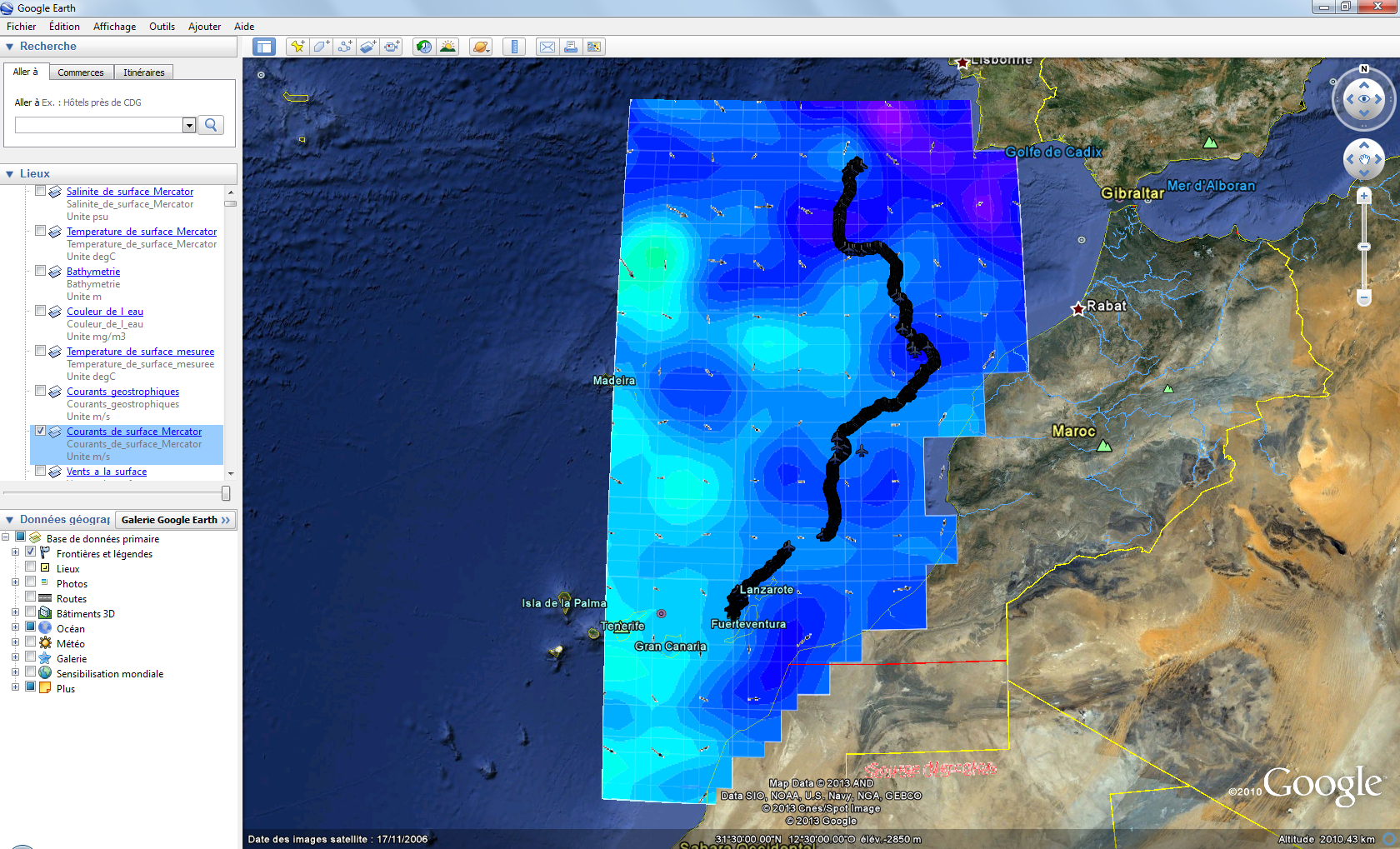
Watch the tutorial (in French)